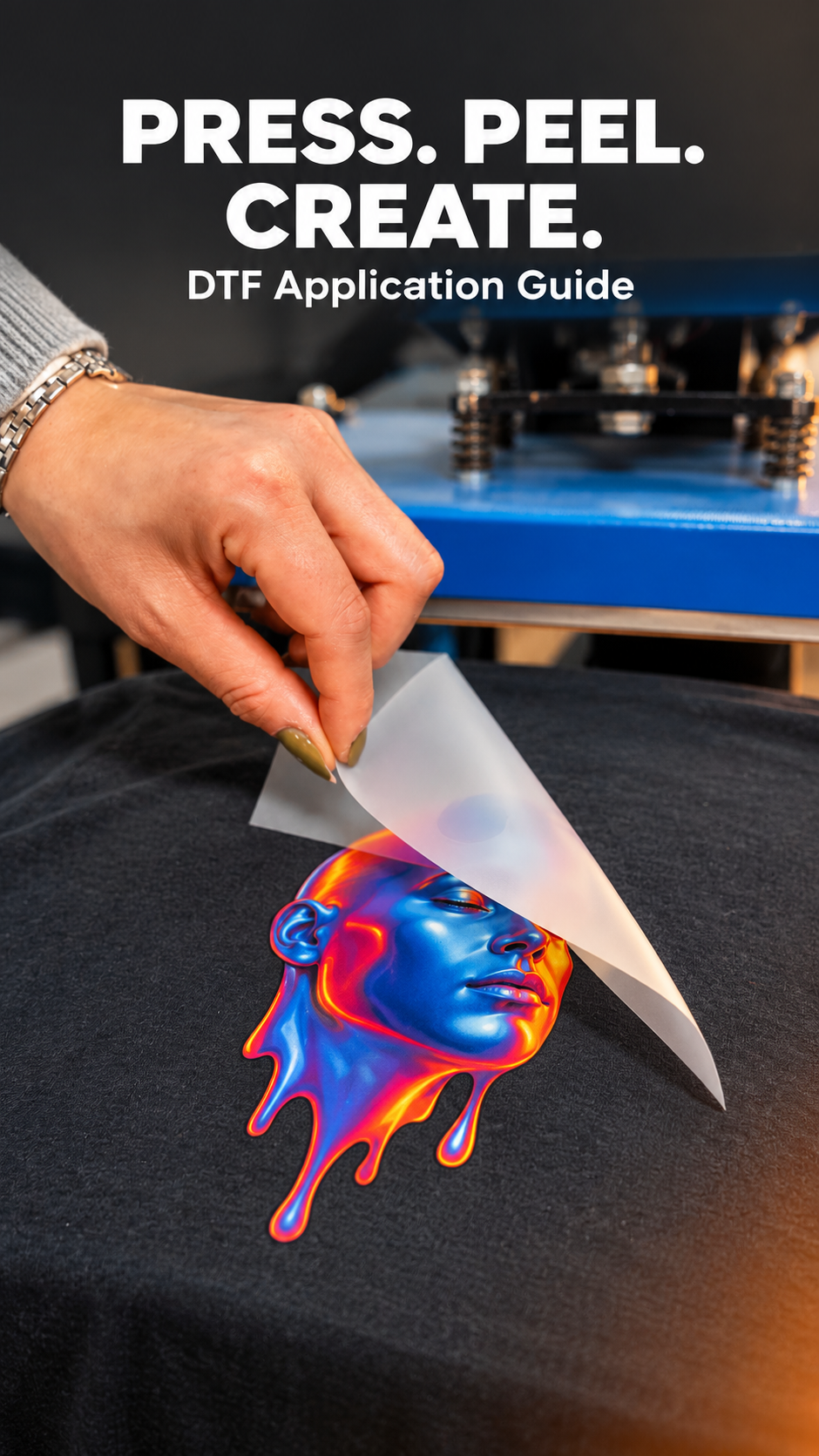
APPLICATION GUIDE

How to Apply LowTemp DTF Transfers

Follow our heat press guide to apply Falcon LowTemp DTF transfers at 260°F / 127°C, with an instant peel finish.

Falcon LowTemp DTF transfer being peeled from a white hooded jacket
Temperature
260°F / 127°C
Press Time
9 seconds
Pressure
Medium–High
Peel
Instant Peel

PREPARE & WATCH

Before You Start

Have your equipments ready, then watch the application video to apply DTF Transfers.

What You’ll Need

  • Heat Press Machine Set to 260°F / 127°C, Medium–High Pressure
  • Silicone Upper Platen CoverRecommended for Smooth Pressing & Garment Protection
  • Parchment Paper or Teflon Cover SheetFor Final Press & Even Heat Distribution
  • Heat-Resistant Foam PadRecommended for Seams, Pockets, Hats, and Uneven Surfaces
  • Garment for Application
  • Falcon DTF Low Temp TransfersInstant Peel Film
  • Thermal Heat TapeOptional – for precise placement

Apply Your DTF Transfer in 4 Steps

Follow these steps for pressing, peeling and finishing your Falcon Instant Peel transfers.

  1. Low Temp DTF transfer positioned on a charcoal garment before heat pressing

    Position Your LowTemp Transfer

    Lay your garment flat and position your Falcon LowTemp DTF transfer where you want the design. Secure it with heat-resistant tape if needed to prevent movement. For seams, pockets or uneven areas, use a heat-resistant foam pad to help create even pressure.

    No pre-press is needed with Falcon’s LowTemp Instant Peel film.
  2. Heat press positioned over a DTF transfer on a garment

    Press at a Lower Temperature

    Set your heat press to 260°F / 127°C. Apply medium–high pressure and press for 9 seconds. Keep the application area flat so the press makes even contact across the entire transfer.

    These settings are for Falcon LowTemp DTF transfers. Use the application guide that matches your transfer type.
  3. how to apply low temp dtf transfer

    Peel the Transfer Film

    Lift the heat press and peel the film immediately in one smooth motion. If you feel resistance or notice any part of the design lifting, lay the film back down, press for another 2–3 seconds and peel again.

    LowTemp refers to the pressing temperature. This is an Instant Peel transfer, so there is no need to wait for it to cool.
  4. Protective cover sheet placed over a DTF print for the final press

    Finish with a Final Press

    Cover the design with parchment paper or a Teflon cover sheet and press again for 5–6 seconds. Wait 24 hours before the first wash. Wash inside out in cold water with mild detergent, then tumble dry on low, following the garment’s care instructions.

    Avoid bleach and fabric softener. Hot washes and high-heat drying may shorten the life of your transfer.

TRY FALCON TRANSFERS

See It. Press It. Love It.

Try our DTF transfers with a free sample pack.

DTF sample pack illustration with colorful transfer designs

Your Next Project Starts Here

Choose the ordering option that works for you.

Multiple DTF designs arranged on one gang sheet

Build a Gang Sheet

Arrange multiple designs on one sheet with our online builder.

Open Builder
Printed DTF gang sheets with colorful custom designs

Upload a Gang Sheet

Have a print-ready gang sheet? Upload your file and we’ll print it.

Upload Your Sheet