Reviews for this item
What buyers say:
Great quality
Vibrant colors
Fast shipping
Easy to apply
Durable
5.0
4.9Print quality
4.9Shipping
5.0Customer service
98%Buyers recommend
Features
Premium Custom Leather Patches: Clean, Stylish, & Made for Your Brand
Elevate your brand, team, or business identity with premium custom leather patches from Falcon Transfers. Featuring a distinctive leather-look finish, these patches give your logos and artwork a polished, professional appearance. Simply upload your design, select your preferred size and backing option, and we’ll handle the rest!
Why Choose Falcon Transfers for Your Custom Leather Patches?
Custom Designs with a Professional Finish
Showcase your logo, lettering, or brand graphics on a patch designed to complement your products. Our custom leather patches are an excellent choice for clothing brands, corporate merchandise, and personalized accessories.
Distinctive Leather-Look Material
Create a premium impression with faux-leather patches that bring character and texture to your branding. Their distinctive surface adds a stylish finishing touch to apparel and accessories.
Structured Shape & Refined Appearance
Give your designs a defined, polished look. The structured material creates a distinctive patch that works especially well with bold logos, clear lettering, and simple graphic elements.
Versatile Styling for Apparel & Accessories
Our custom leather patches are ideal for personalizing:
- Jackets, hoodies, and vests
- Hats, beanies, and caps
- Bags, backpacks, and totes
- Company uniforms and branded merchandise
Backing Options to Suit Your Project
Choose the backing option that best fits your intended use. Patches can be sewn on or applied with heat when a heat-applied backing is selected. Always follow the application instructions and confirm that your item is suitable for heat pressing.
Fully Customizable for Businesses, Teams, and Creators
Whether you’re creating merchandise for your clothing brand, outfitting a team, or adding a personal touch to accessories, our custom leather patches offer a distinctive way to showcase your identity.
Ready to bring your artwork to life? Upload your logo or custom design today to create leather patches tailored to your brand!
Pressing Instructions
How to Apply Custom Embroidery Patches with a Heat Press
Achieve a permanent, commercial-grade bond every single time. If you ordered your custom embroidery patches with our premium heat-applied iron-on backing, follow these professional step-by-step instructions to ensure maximum durability and a retail-ready finish.
Step 1: Position Your Custom Patch
Place your patch in the exact desired location on the garment. To prevent any shifting or misalignment during the transfer process, secure the edges using Falcon heat-resistant thermal tape.
Step 2: Load the Garment (The Face-Down Method)
Place the garment carefully onto the heat press lower platen with the patch facing down.
- Why this matters: Pressing from the backside allows the heat to directly penetrate the fabric, melting the high-sticky adhesive backing properly for a deep, permanent bond with the fabric fibers.
Step 3: Configure Heat Press Settings
Cover the backside of the garment with a protective sheet (Teflon sheet or parchment paper) and cure using the following optimal patch pressing settings:
- Temperature: 325°F (162°C)
- Time: 15 seconds
- Pressure: 70–80 PSI (Medium-Firm Pressure)
Step 4: Cool Down & Set
Remove the garment from the machine and lay it flat. Allow it to cool completely for at least 30 seconds before peeling away the thermal tape. This cooling period ensures the heavy-duty adhesive fully sets and locks into place.
⚠️ Important Application Note: Optimal temperature and timing settings may vary depending on your specific garment type, fabric blend, and heat press machine. We always highly recommend performing a test press on a sample fabric to determine the perfect temperature before starting full application.
Post-Application Care & Washing Instructions
Our premium Falcon Patches are engineered for heavy use and built to last.
- Wash Durability: Designed to withstand up to 50 home wash cycles without peeling or lifting.
- Best Practices: For maximum longevity, always turn the garment inside out and machine wash using cold water.
Customer Satisfaction
The Falcon Transfers Guarantee: Our Commitment to Your Success
At Falcon Transfers, we don’t just manufacture high-quality products; we partner with creators, Etsy sellers, clothing brands, and businesses to help your brand grow. Here is our absolute promise to you when you order our custom embroidery patches:
🌟 Commitment to Excellence
Your happiness and business success are our top priorities. We strive to exceed your expectations with every single order, ensuring your custom embroidered patches arrive with flawless, retail-ready stitching and vibrant details that elevate your apparel.
💬 Feedback-Driven Improvement
Your feedback is invaluable to us. It guides our continuous improvement and helps us refine our manufacturing process. We constantly update our Tajima embroidery machines, thread selections, and backing technologies based on your reviews to ensure you are always 100% satisfied.
🤝 A Fully Supportive Experience
Enjoy a seamless and stress-free experience from uploading your logo to final delivery. Our dedicated customer service team is always here to assist you at every step—whether you need help with vector file preparation, backing options, or heat press application settings.
🛡️ Premium Quality Assurance
We stand firmly behind the durability of our commercial-grade products. With our strict Quality Assurance, we use premium Isacord threads and high-sticky backing materials to ensure your patches remain securely attached, vibrant, and fade-resistant through countless washes.
Upload Recommendations
Ready to bring your brand to life? You can upload your high-quality artwork files directly to our platform—we accept all file types and formats, including vector files (AI, EPS, SVG, PDF) and high-resolution raster images (PNG, JPG).
Once your file is submitted, our design team will review your artwork, create a digital custom patch proof, and get back to you shortly for your final approval.
- Need specific modifications? Please write any custom placement, size adjustments, or color instructions in the Notes text box before checking out.
Blanks to Along with Your Patches
All Apparels


1 / 8


1 / 8


1 / 8


M&O 3320 - Hoodie unisexe
$16.54
BUY NOW


1 / 8


1 / 8


1 / 5


1 / 8


1 / 8


1 / 8


M&O 4505 - Débardeur
$4.73
BUY NOW


1 / 8


1 / 8


FAQ
We know every project is unique, and you might have some questions before getting started.
L
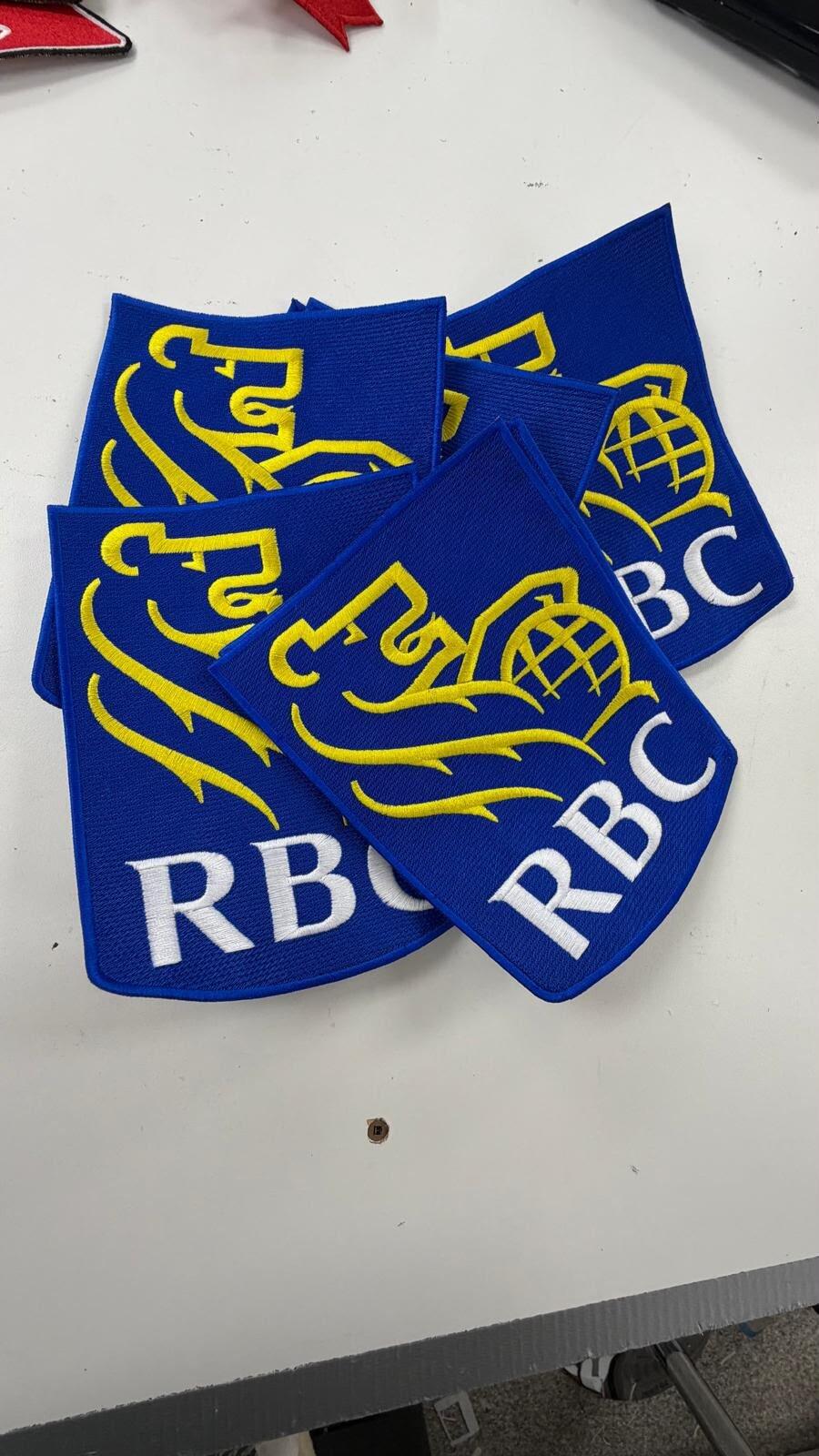
Got our custom embroidered patches made by Falcon Transfers and they look amazing The blue and yellow stitching is super clean, details are sharp, and the quality is top-notch. Fast shipping too
D
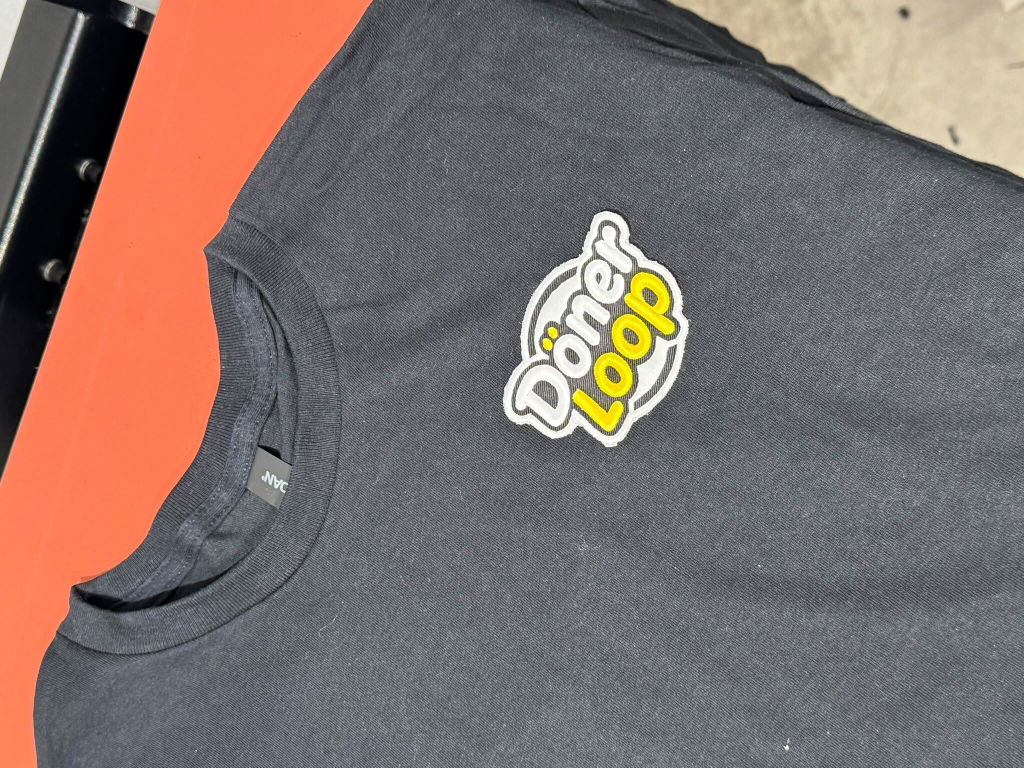
Got our custom restaurant merch printed by Falcon Transfers and they turned out incredible The 'Döner Loop' logo print on the black tee is super sharp, vibrant, and high quality. Fast turnaround and great service
N
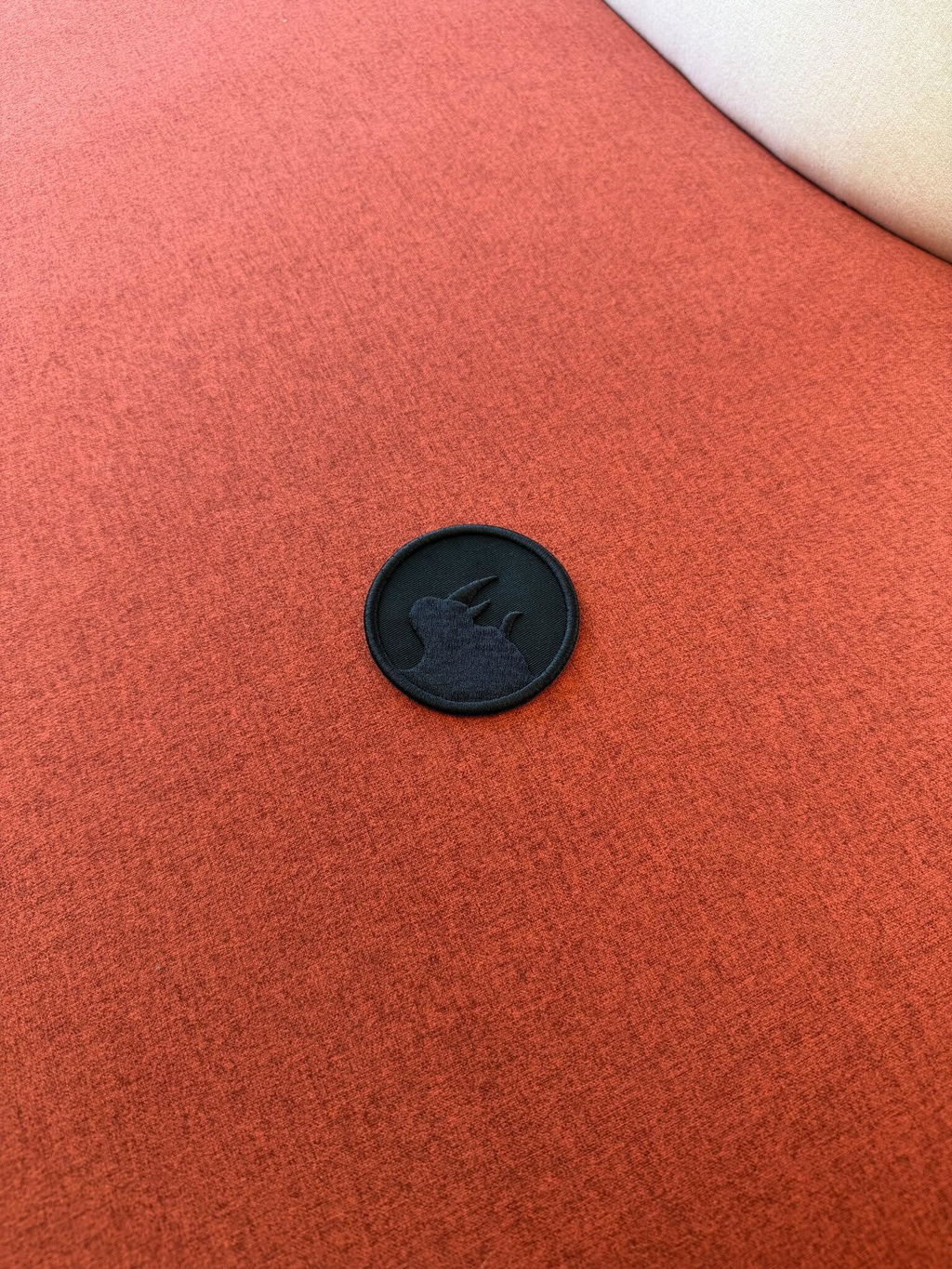
Super clean
patch from Falcon Transfers! The all-black details look awesome and the quality is top-notch. Fast shipping too