💘🩺 NURSE – Valentine’s Day Cute Nurse Love | DTF Transfer FT1135

Falcon Transfers
Made in CanadaSatisfaction GuaranteeEasy Purchase
$0.25

💘🩺 NURSE – Valentine’s Day Cute Nurse Love DTF Transfer | DTF Transfer Canada

This Valentine’s Day–inspired DTF transfer features the word “NURSE” in playful pink typography, decorated with heart patterns, gingham details, and adorable medical-themed accents. Elements like a winged nurse cap, syringe, bow, and floating hearts come together to celebrate nurses with warmth, love, and a touch of sweetness.

The soft pink Valentine color palette creates an instantly lovable and gift-ready aesthetic, while the illustrated textures and heart-filled lettering add personality and charm. This design perfectly blends professional pride with Valentine’s Day affection, making it both meaningful and fun.

Produced with a transparent background, only the text and illustrated elements are printed—no background fill—ensuring crisp edges and a seamless, professional finish on both light and dark garments.

Professionally printed in Canada using premium DTF technology, this transfer offers sharp detail, vibrant Valentine colors, and long-lasting durability. Designed for smooth heat application, it maintains its cute and loving visual impact through repeated wear and washing.

Perfect For:
💘 Valentine’s Day gifts for nurses
🩺 Nurses, nursing students & healthcare heroes
👕 Valentine-themed T-shirts, hoodies & sweatshirts
🎁 Gifts from partners, friends & coworkers
🛍️ Shopify sellers building nurse & Valentine collections

Cute hearts. Caring hands. Valentine nurse energy.

🔧 DTF Heat Press Instructions:
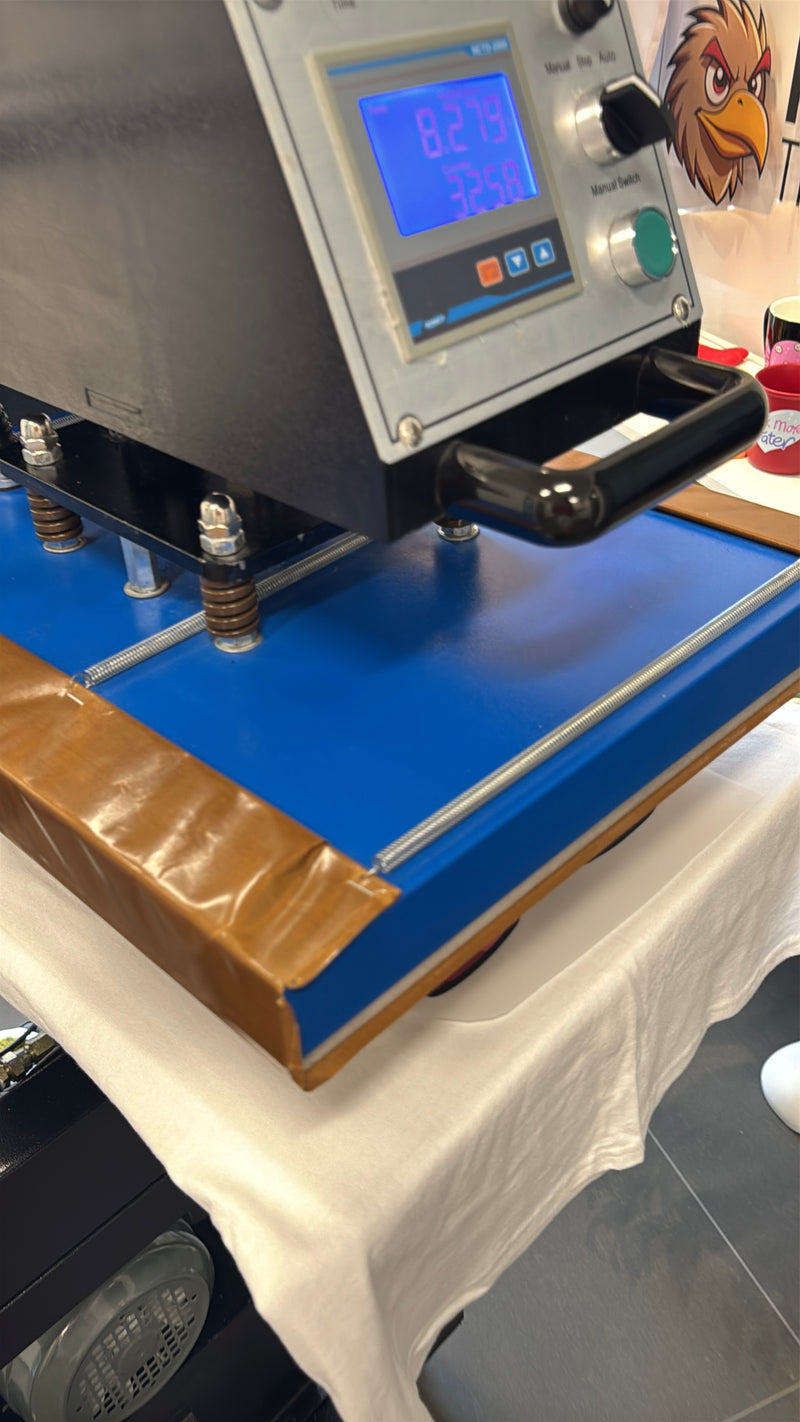
1️⃣ Set heat press to 282°F (139°C), medium pressure
2️⃣ Press for 9 seconds
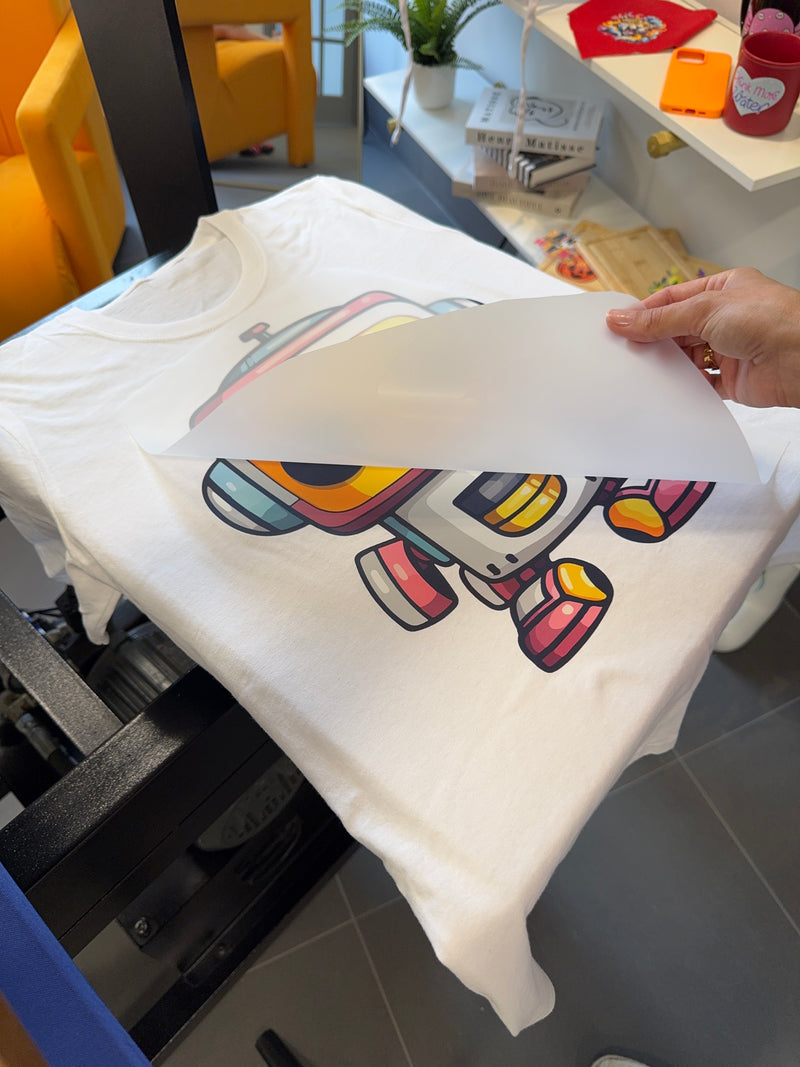
3️⃣ Let cool for 10–15 seconds, then peel smoothly
4️⃣ Optional: Repress with parchment paper for 5 seconds to seal the design


📐 Size Options:
Available from 3” to 15” (longest side), proportionally scaled for the best look on any garment or item.

⚠️ Note: Slight layout and trimming variations may occur.


🇨🇦 Proudly Made & Shipped in Canada
📍 Serving: DTF transfers Toronto, Calgary, Vancouver, Montreal, Ottawa & beyond

🔍 Looking for bold, press-ready Halloween DTF transfers? You’re in the right haunted house.
🎨 Got a custom spooky design in mind? Upload your artwork today!

High Print Quality: High print quality with sharp, vibrant designs and excellent color accuracy.

Durability: Resistant to over 60 washes while maintaining print integrity.

Flexibility: Stretchable prints that won’t crack or peel, even on elastic fabrics.

Wide Fabric Compatibility: Suitable for various materials, including cotton, polyester, and blends.

Soft Feel: Comfortable to wear, providing a pleasant tactile experience.

Customizable Designs: Easily allows for personalized prints, logos, and intricate designs.

Simple Application Process: Minimal preparation needed for heat transfer.

Vibrant Color Retention: Maintains bright and bold colors without fading.

Eco-Friendly Inks: Made from sustainable, water-based materials.

No Minimum Order Quantity: Ideal for both small and large printing needs.

Heat Press Instructions
Adjusting Pressure
Set the heat press to medium to firm pressure.

Temperature Settings
For cotton and 50/50 fabric blends, adjust the temperature to between 320°F and 350°F.
For synthetic or polyester materials, set the temperature to 280°F to 300°F.

Pressing Time
Firmly press the transfer onto the fabric for 8 seconds.

Peeling
Carefully peel the DTF Transfer Sheet off while it is still warm in one smooth motion.
(Note: Cold peeling is also works!)

For Added Durability (Recommended)*
After removing the film, place parchment paper over the image and press again for an additional 5 seconds.

Iron-On Instructions
Temperature Setting
Adjust your iron to the highest temperature setting.
(Ideal around 300°F.)

Pressing Technique
Apply consistent pressure across the entire design, using the iron to press down evenly for 15 to 20 seconds onto the fabric.

Peeling Off
While still warm, peel your DTF Transfer Sheet in one smooth motion.
(Note: Cold peeling is also works!)

Commitment to Excellence: We prioritize your happiness and strive to exceed your expectations with every purchase.

Feedback Driven: Your feedback is invaluable to us, guiding our continuous improvement to ensure you are always satisfied with our products and services.

Supportive Experience: Our dedicated customer service team is here to assist you at every step, ensuring a seamless shopping experience.

Quality Assurance: We stand by the quality of our products, offering guarantees and support to ensure your complete satisfaction.

Loyalty Rewards: We appreciate your trust in us, and we reward our loyal customers with exclusive offers and promotions.

  • We accept all file formats, but vector files are preferred for the best print quality. If you’re submitting raster images, please ensure they are at least 300 DPI to maintain sharpness and clarity.
  • Tip: If you're using Canva or Procreate, we recommend saving your designs as PNG files with a transparent background for the best results. This ensures clean, high-quality prints without unwanted backgrounds.

3 Steps To Heat Transfer

01

Place the Design

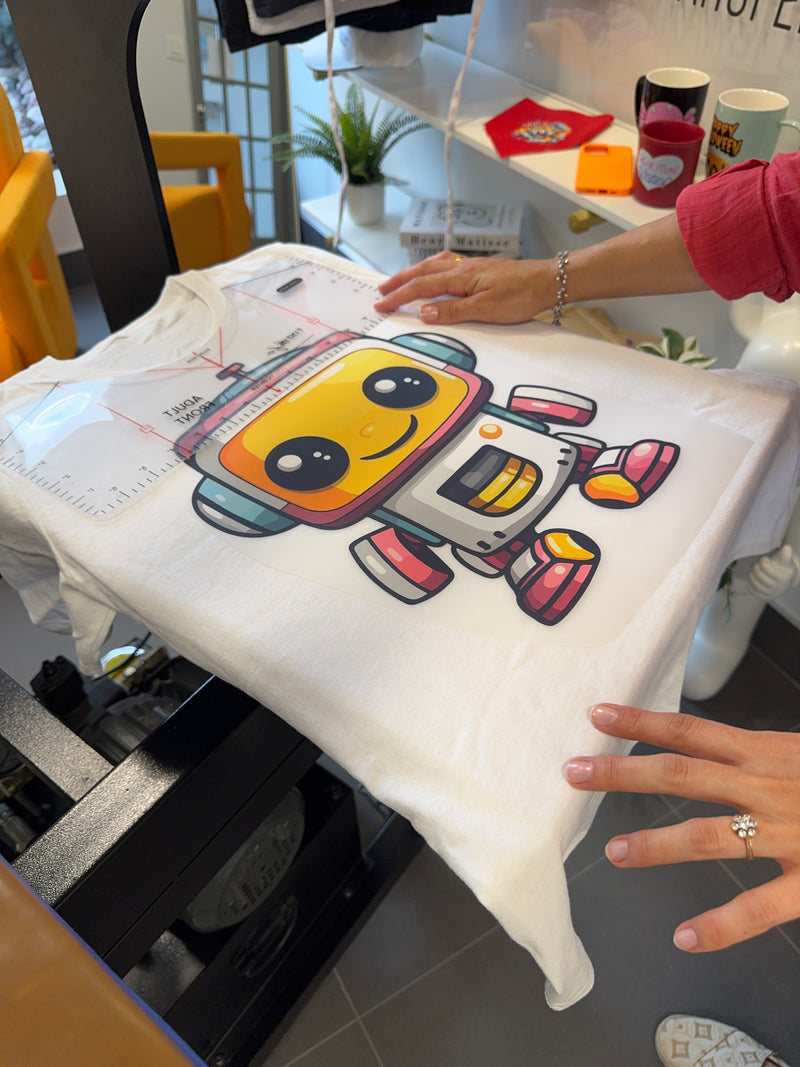
Position your DTF transfer onto the garment where you want the print to appear.

02

Press the Transfer

Set your heat press to 282°F (139°C). Press firmly for 8–10 seconds with medium pressure.

03

Peel While Hot

Quickly and smoothly peel the film while it’s still hot for the best results.